

 Productivity
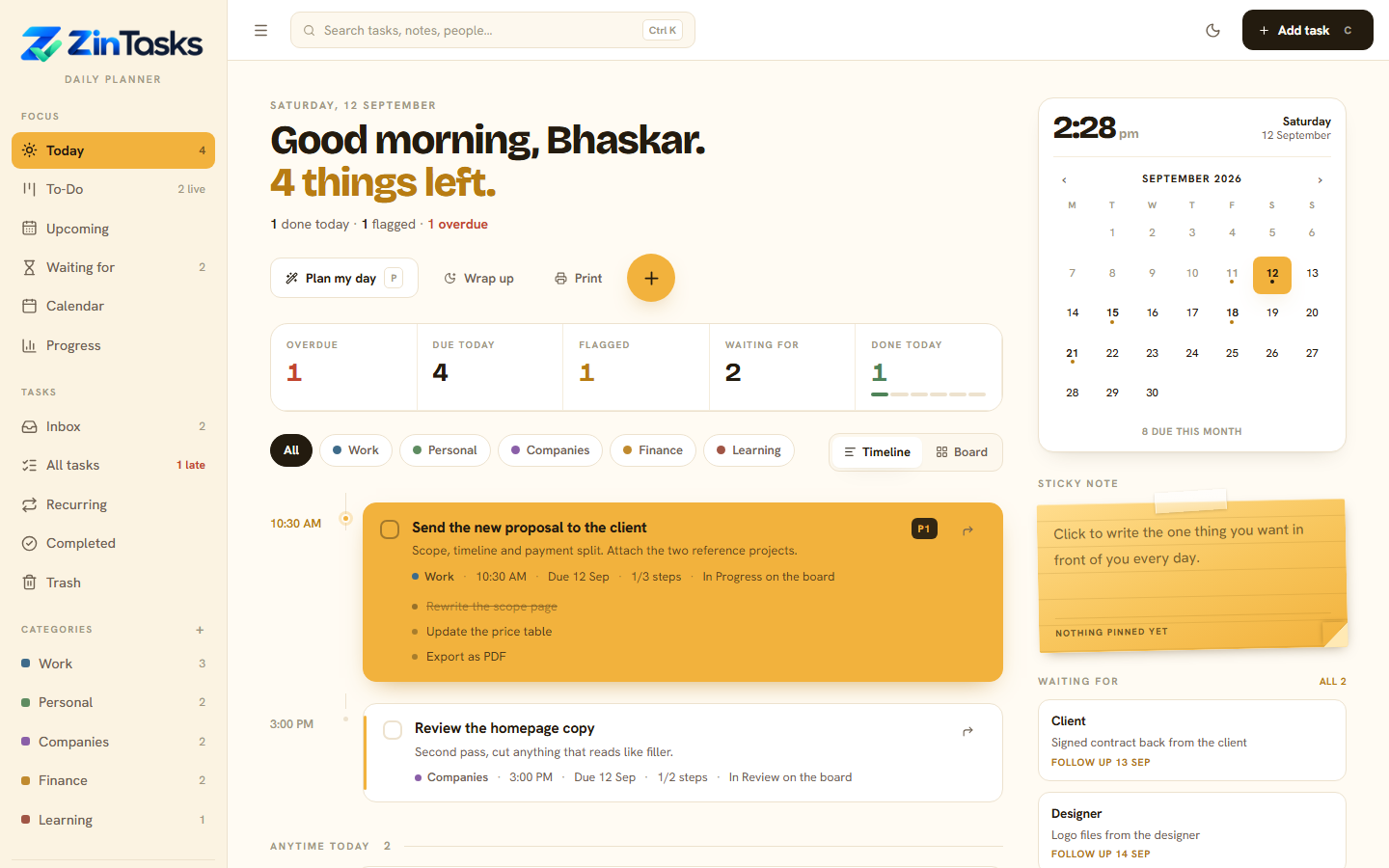
A daily planner that runs on your own computer.
- Plan the day in one screen
- A board when you want one
- Reminders as Windows toasts
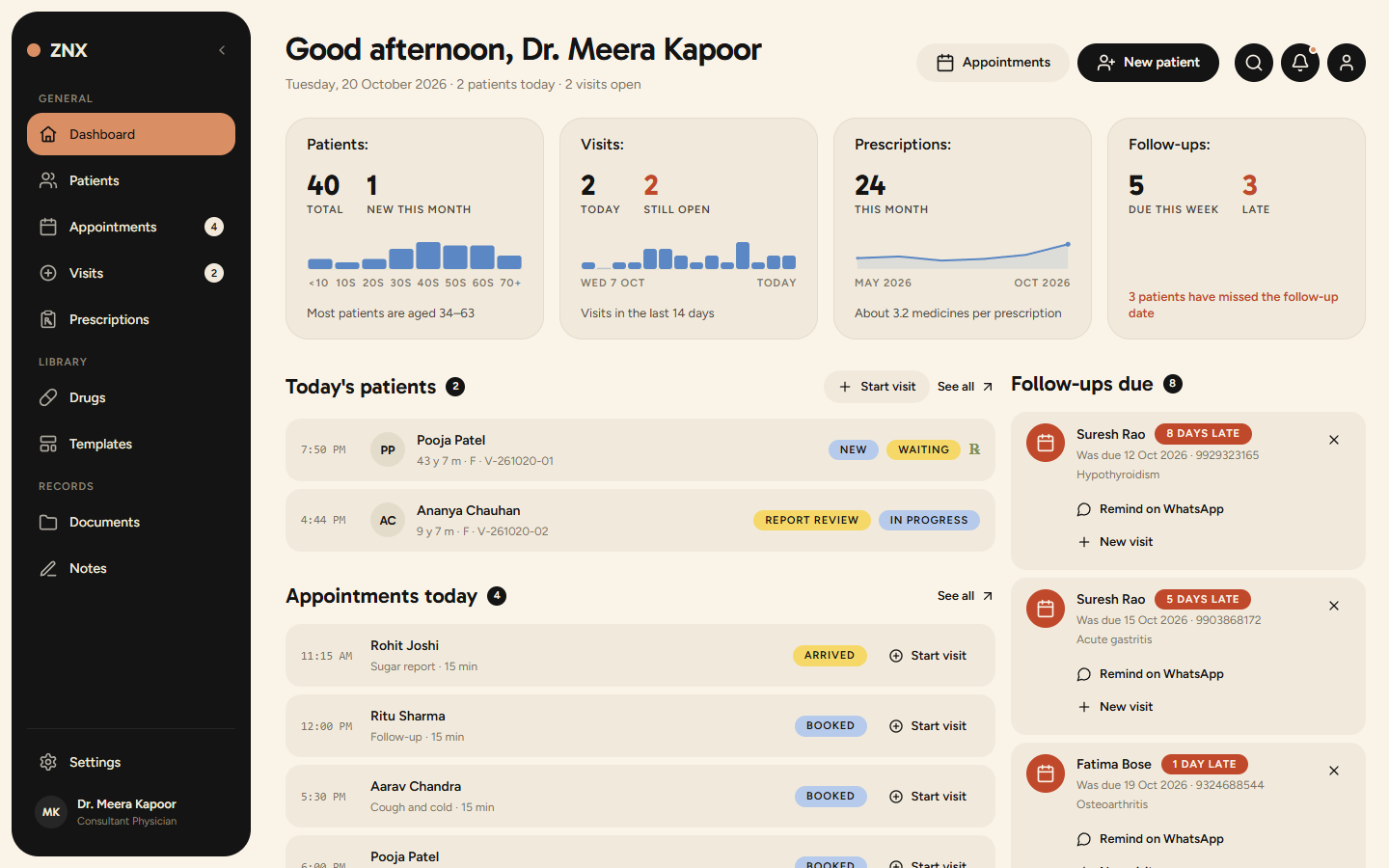
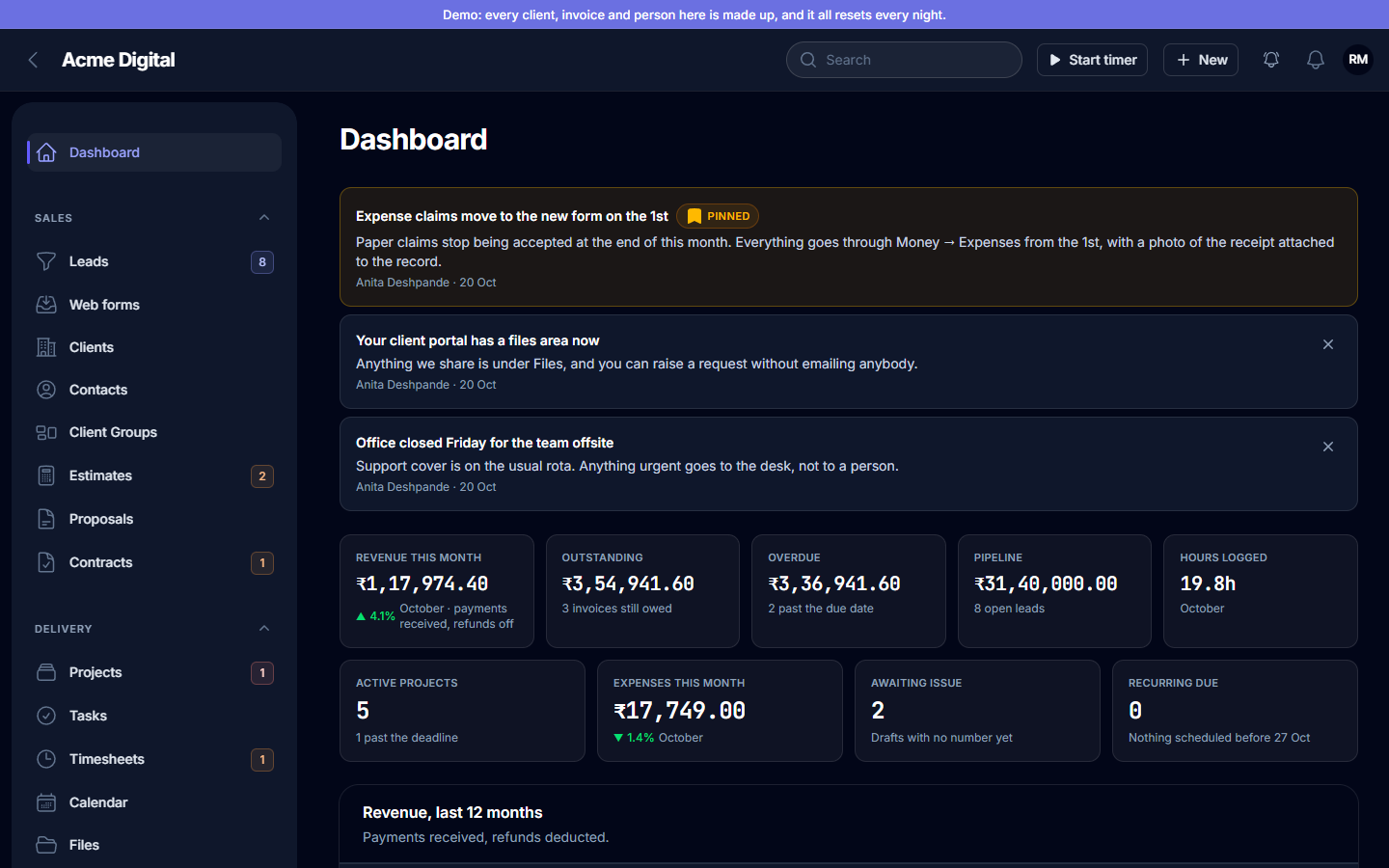
Every product has a live copy with sample data. Open it, sign in with the demo login, and look around.
Productivity
 Healthcare
 Education
 CRM & projects
Every live product has a hosted copy loaded with sample data. Click "Open live demo" and it opens in a new tab, wrapped in a thin bar so you can get back here.
The access pass on each product page shows the demo login. Copy it with one click. Some products open straight into the app and need no sign-in at all.
Add, edit, delete, import, export. The demo resets itself on a schedule, so nothing you do there is permanent, and nothing is ever sent to us.
A licence is tied to the copy you install, not to a login or a monthly card charge. Reinstall on the same machine as often as you like. Moving to a new machine takes one email.
Read the full licence termsYes. It is the same build a customer receives, running on our server with sample data loaded. The only difference is that it resets on a schedule.
Depends on the product. Zin Tasks runs on a Windows computer with nothing else installed. Server-based products such as OM need a standard PHP host, the same kind that runs WordPress.
The activation key works again on the same machine. If you move to a new machine, email us and we release the old activation.
Products are built in PHP and ship as readable source, so you can inspect them, back them up and host them wherever you like.
Yes. The same team builds bespoke web applications, CRMs and automations. Book a call from the button in the header.
Every product here started as a client project. If your business needs its own tool, that is what we build.